
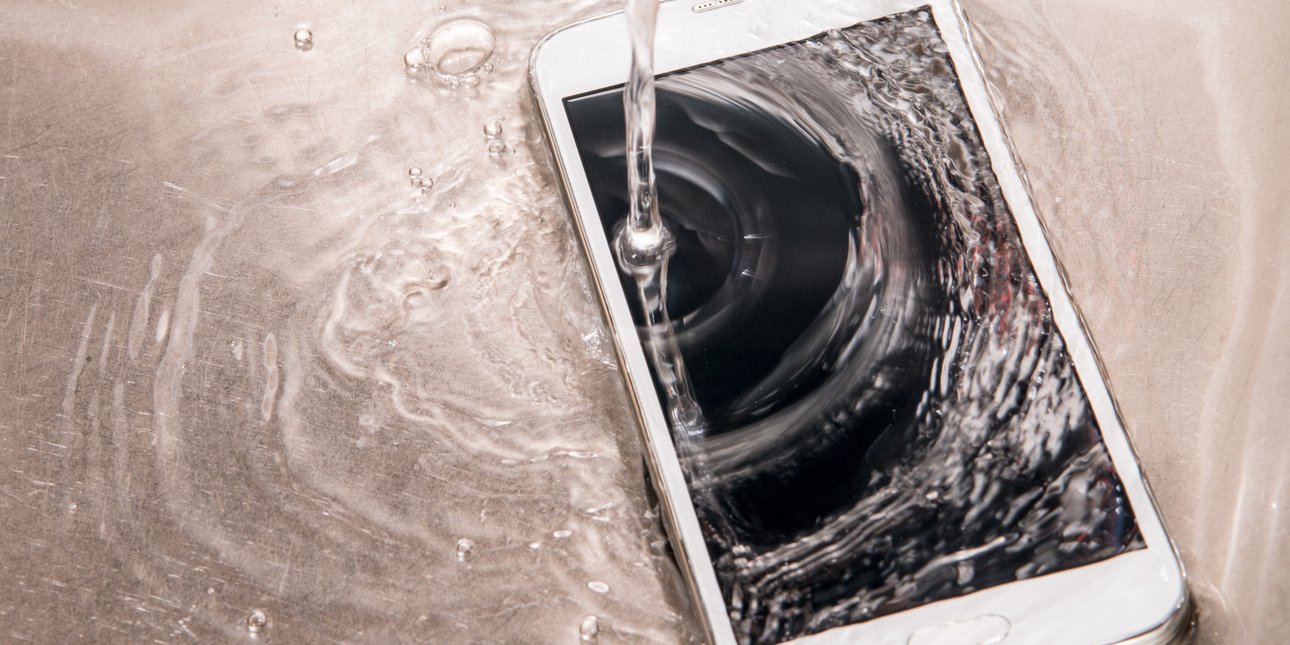
Did water fall on your iPhone and you were afraid of losing it forever? There is one last thing you can do.
Unfortunately, the old trick with rice doesn’t work, despite many saying otherwise. Water can easily enter through the speakers or the charging port. Fortunately, newer iPhone models are waterproof to some extent, of course, but repeated submersion in water can be detrimental.
So if you’ve run out of options, this technique can catch up. It includes an unofficial Apple shortcut called “Water Eject” and with a rating of four out of five based on 21,200 reviews, it’s worth a try.
How is it done?
- First, you need to install the Apple Shortcut app.
- Then, from your iPhone, tap Download Shortcut on this page.
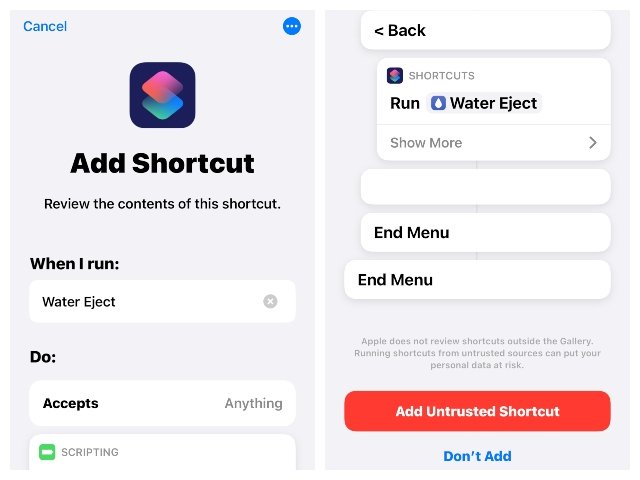
- The Shortcut app will open automatically; click the Add Shortcut button.
- Then go to “My Shortcuts” at the bottom.
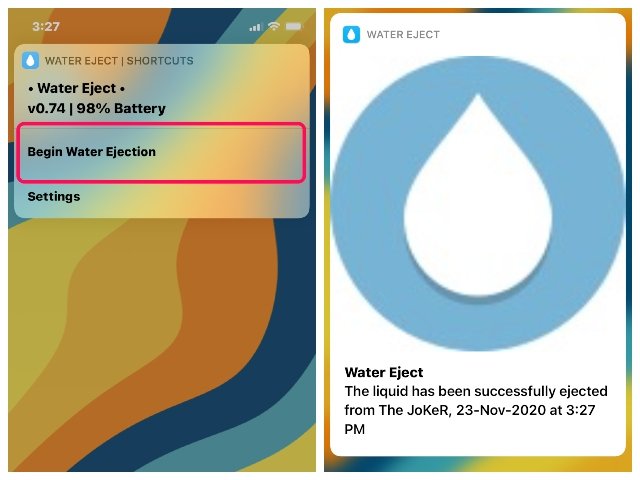
- Press the Water Export button and then “Start Water Export”.
- Wait until the process is complete, which uses a low-frequency sound to expel the water from your iPhone.
But keep in mind that it is not a formal repair and you can do as much as you can, but at least it can save your iPhone a lot of damage. However, make sure you have backed up valuable photos and other data, otherwise you risk losing them all.
Does it guarantee that your iPhone will be fine?
Even if it works, it may not be forever. But at least you have a chance to save him.
source: iefi merida


0 Comments
Any Queries , You May Ask